
How A Bad Implementation Can Allow Anyone To Hijack Every My Campus Days Account
First published on my old blog, Tinkering the kernel, in 2020.

I’m writing this almost 1 year after reporting their weird implementation to them. So, Responsible disclosure … CHECK
And also because one of my friends noticed it recently and insisted on me writing this article.
The Story
So, how did I get the idea in the first place? … Simply put, I’m a forgetful person.
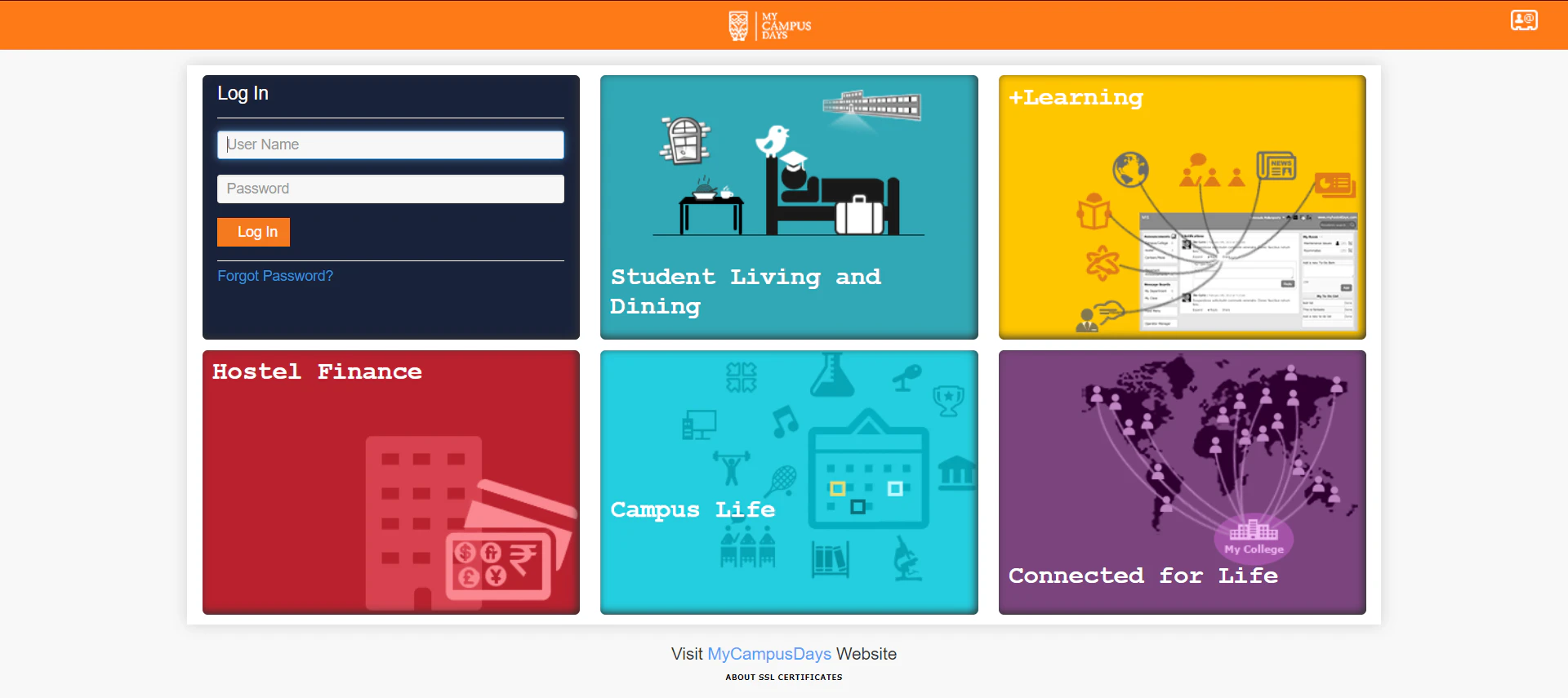
But first, let me tell you what My Campus Days is, it’s kind of a service which is, umm … wait, let me use their words, it’s a “Student Centric University Operations Platform”.
Basically they handle some of the hostel stuff, so, whenever you want your room cleaned, or you have any problem, you need to log in to your My Campus Days account, submit a request and boom! (not that fast obviously)
I guess you can now see how it links with forgetfulness. Yeah, I forgot the password on my first day at college, then, like any normal person, I tried to reset the password and it successfully did reset my password.
But, there was a catch. It did something so peculiar that it caught my eye.
Most college portals are broken by default
My Campus Days has this policy that at the very beginning of college they assign students a username and password to log in to an online portal that has their data, like their name, registration numbers, parent’s name, their phone numbers, etc.
The problem is the username that is assigned to them is their college registration number and the password is the same (or maybe date of birth, but something along these lines) and most of the time these students don’t change their login credentials at all, once they get them from their college at the time of their registration.
This can allow somebody like me to quickly understand the HTTP request and then use Curl or any other tool to launch a dictionary attack as My Campus Days is lazy and doesn’t block or throttle requests and has no policy around that attack vector.
But, this is not considered a “cool attack” and it’s borderline lame, I mean, I agree, it’s not their mistake wholly, students are lazy too, they should change their passwords, and who cares about the fact that companies have an ethical obligation to ship products that are secure by default.
The Catch
The password reset functionality in My Campus Days sends “newly” generated credentials to the registered e-mail.
There are two common approaches to building a secure password reset feature:
- Generate a new password on the server and email it.
- Email a unique URL which will facilitate a reset process.
Despite plenty of guidance to the contrary, the first point is really not where we want to be. The problem with doing this is that it means a persistent password — one you can go back with and use any time — has now been sent over an insecure channel and resides in your inbox.
In other terms, an attacker might be able to sniff the password if the e-mail service is not using SSL.
Okay, it’s a bad practice, we get it, so what ? Well, nothing, this isn’t even the bug. I just found it interesting :)
Drum rolls for the worst reset password implementation in human history
The reset button takes the user to a reset page where it asks for either of the two fields, Admission ID or the Username as you can see below —
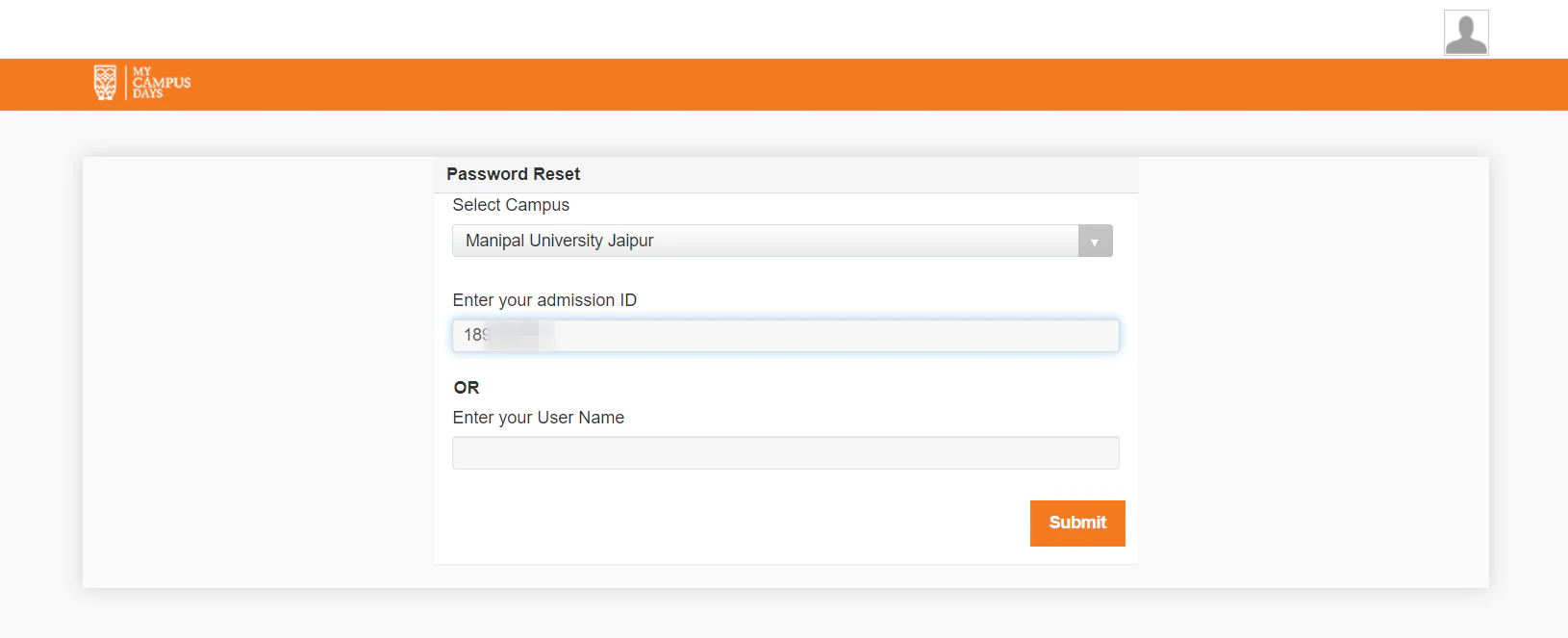
After hitting the submit button, it responds with a success page where it says, “New password is successfully sent on your personal e-mail id, which is registered with your College/University”. So, naturally we check our inbox for new emails & a few moments later, Aha!
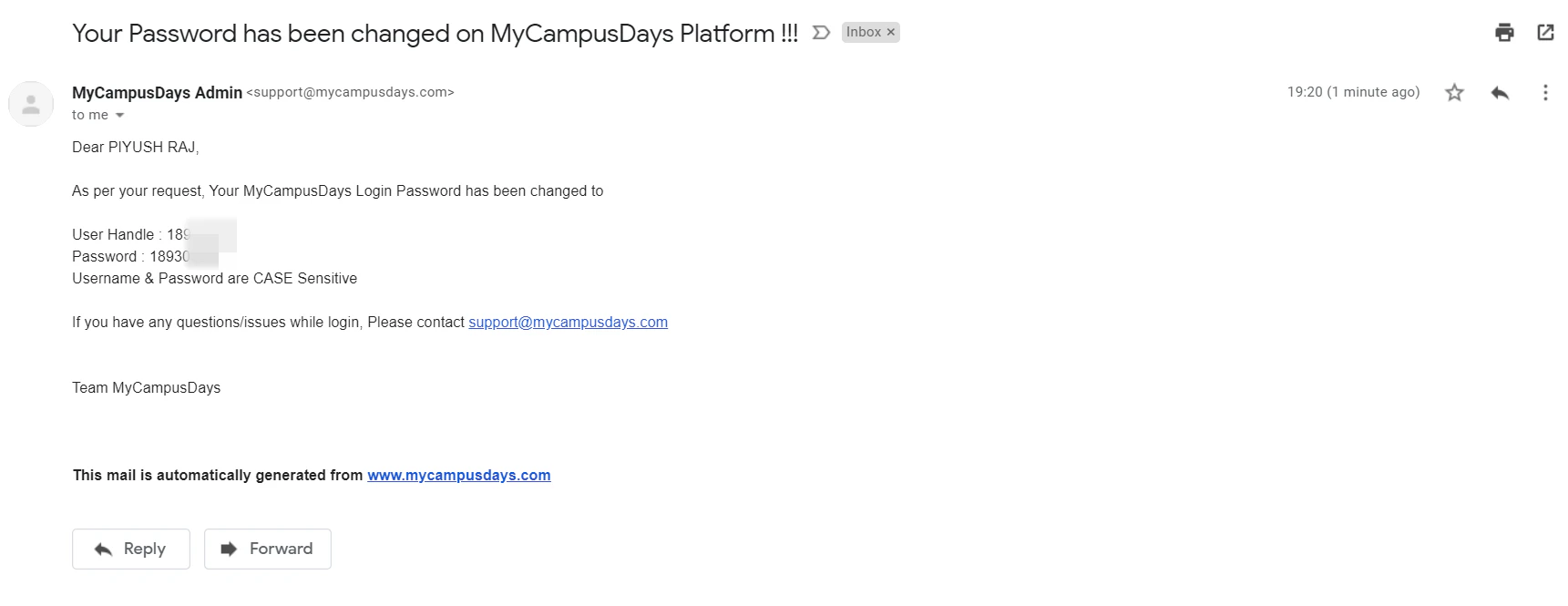
So, it changes both, the username and password to the Admission ID. WHAT!!?
Conclusion
Now, anyone can parse the list of Admission IDs, write a script that clicks two buttons and fills one input, loops over the parsed list and voila!
They now own every My Campus Days account. And heck, most colleges upload PDFs containing Admission IDs and class info to their websites and post on bulletin boards so anyone anywhere can now do the same. Enjoy.
Moral of the Story
Read the standards before you implement anything security related. Password resets are a solved problem, and nobody should be able to change your password just by knowing your account name.
“Never roll your own crypto” is an old adage. Turns out it applies to reset buttons too.
Troy Hunt already wrote everything you ever wanted to know about building one. Read it. Your user's Admission IDs will thank you.
Read next
 How I Hacked My College's Online Exam Portal During COVID-19 Quarantine PeriodA stored XSS in the exam portal my college built during lockdown: a kill-switch first, then a fake login form that phished credentials from the portal’s own domain.
 No, It’s Not Everyone’s Favorite “Kali Wifi Hacking Tutorial” — Impersonating Anyone In CollegeMy college’s i-ON WiFi logged you in by MAC address alone, so sniffing one and wearing it made you anyone on campus. No credentials needed.